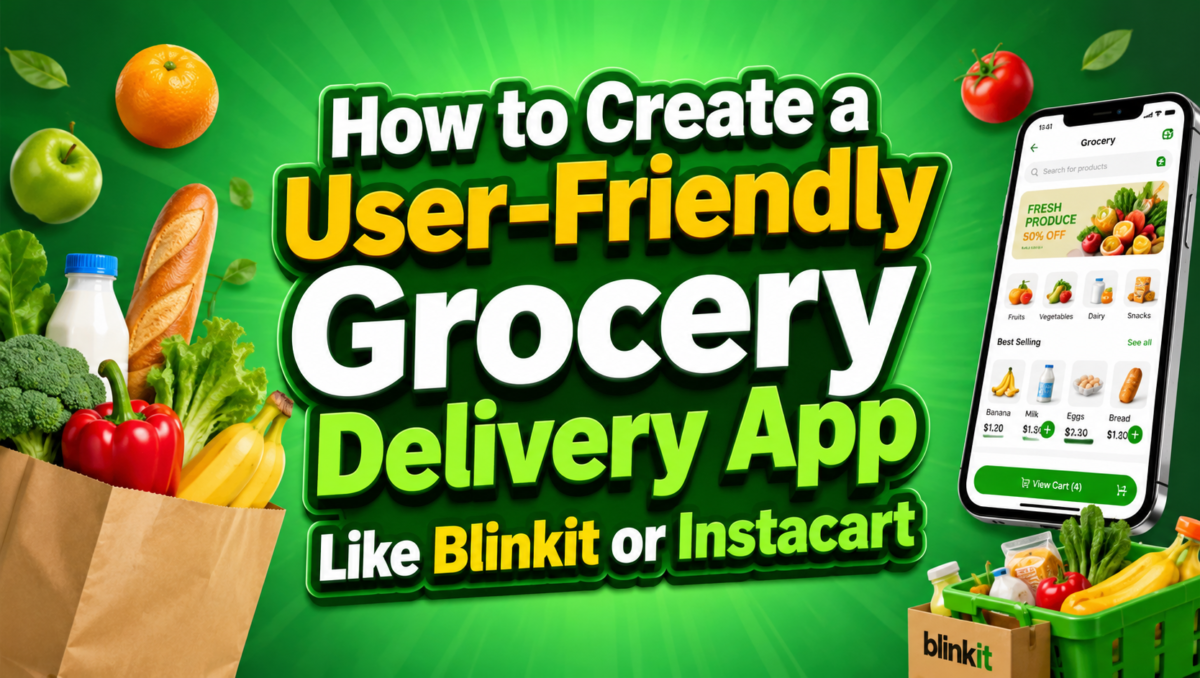

Grocery delivery apps changed how people shop for daily essentials. Users now order fruits, vegetables, snacks, and household items from mobile phones and receive them at home without delay.
Platforms like Blinkit and Instacart show how strong demand exists for fast grocery access with digital ordering systems.
A grocery delivery app connects customers, stores, and delivery agents in one system. The main goal stays simple: help users place orders quickly and receive accurate deliveries.
Why Build a Grocery Delivery App Now?
People now prefer mobile-first shopping. They avoid long store visits and choose apps that save time and reduce effort.
Several factors push the growth of grocery apps:
- More users rely on mobile phones for daily tasks
- Local stores want online reach
- Delivery networks have improved in cities
- Digital payments have become standard
A strong grocery app also helps local stores increase sales without opening new outlets.
Step 1: Understand your users
A grocery delivery app must serve three groups:
Customers
They want quick ordering, clear pricing, and reliable delivery updates.
Store owners
They need control over inventory, orders, and sales tracking.
Delivery partners
They require clear routes, order details, and earnings visibility.
Each group uses a different interface, so each experience must stay simple and direct.
Step 2: Choose the appropriate business model
A grocery delivery app can follow multiple earning models:
- Commission on each order
- Delivery charges based on distance
- Subscription plans for regular users
- Fees for promoted product listings
Many platforms mix these models to create steady revenue.
Step 3: Decide on must-have features
A grocery app must include core features that support daily use.
Customer app features
- Easy login using phone or email
- Product categories with images
- Search bar with suggestions
- Cart with clear pricing
- Multiple payment options
- Order tracking updates
- Order history for repeat purchases
Store panel features
- Inventory updates
- Order acceptance system
- Order preparation status
- Sales reports
Delivery app features
- Order assignment
- Navigation support
- Delivery status updates
- Earnings tracking
Step 4: Choose the technology
A strong tech foundation keeps the app stable during high traffic.
Frontend
- React Native or Flutter for mobile apps
- React.js for admin dashboards
Backend
- Node.js with Express
- Django or Spring Boot as alternatives
Database
- PostgreSQL for structured data
- MongoDB for flexible data storage
- Redis for fast data access
Other tools
- Cloud hosting (AWS, Google Cloud, Azure)
- Google Maps API for routes and tracking
- Push notification services for updates
Step 5: Design simple screens
App design affects user satisfaction. A grocery app should reduce confusion and help users act quickly.
Key design rules:
- Keep screens clean and uncluttered
- Show large product images
- Use clear buttons for actions
- Reduce steps between browsing and checkout
- Keep text readable on mobile screens
A simple design improves user retention and order completion rates.
Step 6: Build and test
Development should start with a minimum working version.
Build phase
- Create user app with basic ordering
- Add store panel for inventory control
- Build delivery app for order handling
Testing phase
- Test order flow from start to finish
- Check payment handling
- Fix issues in navigation and tracking
- Run load tests for traffic handling
Testing ensures stability before public release.
Step 7: Add smart features for 2026
Modern grocery apps now include advanced features that improve efficiency:
- AI-based product suggestions based on past orders
- Voice-based search for hands-free ordering
- Smart cart suggestions for missing essentials
- Real-time demand prediction for stores
- Automated delivery route selection
These features help improve speed and reduce manual effort in daily operations.
Step 8: Launch and market the app
After development, focus shifts to user acquisition.
Marketing actions include:
- Local store partnerships
- Discount offers for first-time users
- Referral programs
- Social media campaigns
- App store listing improvements
Strong early marketing helps build trust and user base.
Step 9: Keep the app updated
A grocery app requires continuous updates.
Important actions:
- Fix bugs based on user feedback
- Add new features regularly
- Improve app speed
- Update security systems
- Expand store and delivery coverage
Ongoing updates help maintain user interest and system reliability.
Roadmap of Grocery Delivery App Development
A structured roadmap helps manage development:
- Requirement gathering
- UI and UX design
- Backend setup
- Mobile app development
- Integration of payments and maps
- Testing and bug fixing
- Deployment
- Post-launch monitoring
This sequence keeps development organized and reduces risks.
Design Tools Used to Develop Grocery Delivery App at RichestSoft
Design plays a major role in user experience.
Common tools include:
- Figma for interface design
- Adobe XD for prototyping
- Photoshop for image editing
- Illustrator for icons and branding
These tools help create clear layouts and structured app screens before development starts.
Backend for Grocery Delivery App
The backend handles all core operations.
Key backend functions:
- User authentication and login
- Order creation and tracking
- Inventory updates from stores
- Payment processing
- Delivery assignment logic
- Notification management
A strong backend keeps the system stable even during high order volumes.
Cost of Developing Grocery Delivery App
The cost depends on several factors:
- Number of platforms (Android, iOS, web)
- Feature complexity
- Design requirements
- Backend structure
- Third-party integrations
Basic apps cost less, while advanced systems with AI features and large-scale delivery networks require higher investment. Grocery application development cost depends on several factors such as feature complexity, platform choice, UI design level, third-party integrations, and backend scalability.
Maintenance costs also apply after launch for updates and server support.
Why RichestSoft for Grocery Delivery App Development?
RichestSoft builds custom mobile solutions for grocery and delivery platforms.
Key strengths include:
- Custom app development based on business needs
- Strong focus on backend stability
- Clean UI design for mobile users
- Integration of payment and mapping systems
- Support for post-launch improvements
The team supports startups and growing businesses that want reliable digital platforms.
Conclusion
A grocery delivery app like Blinkit or Instacart requires a clear plan, strong technical base, and consistent updates.
Success depends on how well the app connects customers, stores, and delivery partners in a simple workflow. A clean interface, fast order handling, accurate inventory updates, and reliable delivery tracking form the core of such systems.
Businesses that focus on user needs and system stability can build strong grocery platforms that serve daily shopping demands.
Ready to Build a Custom AI-Powered App?
Modern grocery apps now use smart systems for better order handling and faster decisions. AI-based tools also help manage inventory and delivery routes.
If you plan to build a grocery delivery platform, start with a clear feature set and a stable architecture.
Leave a Comment